Wi-Fi or no Wi-Fi?
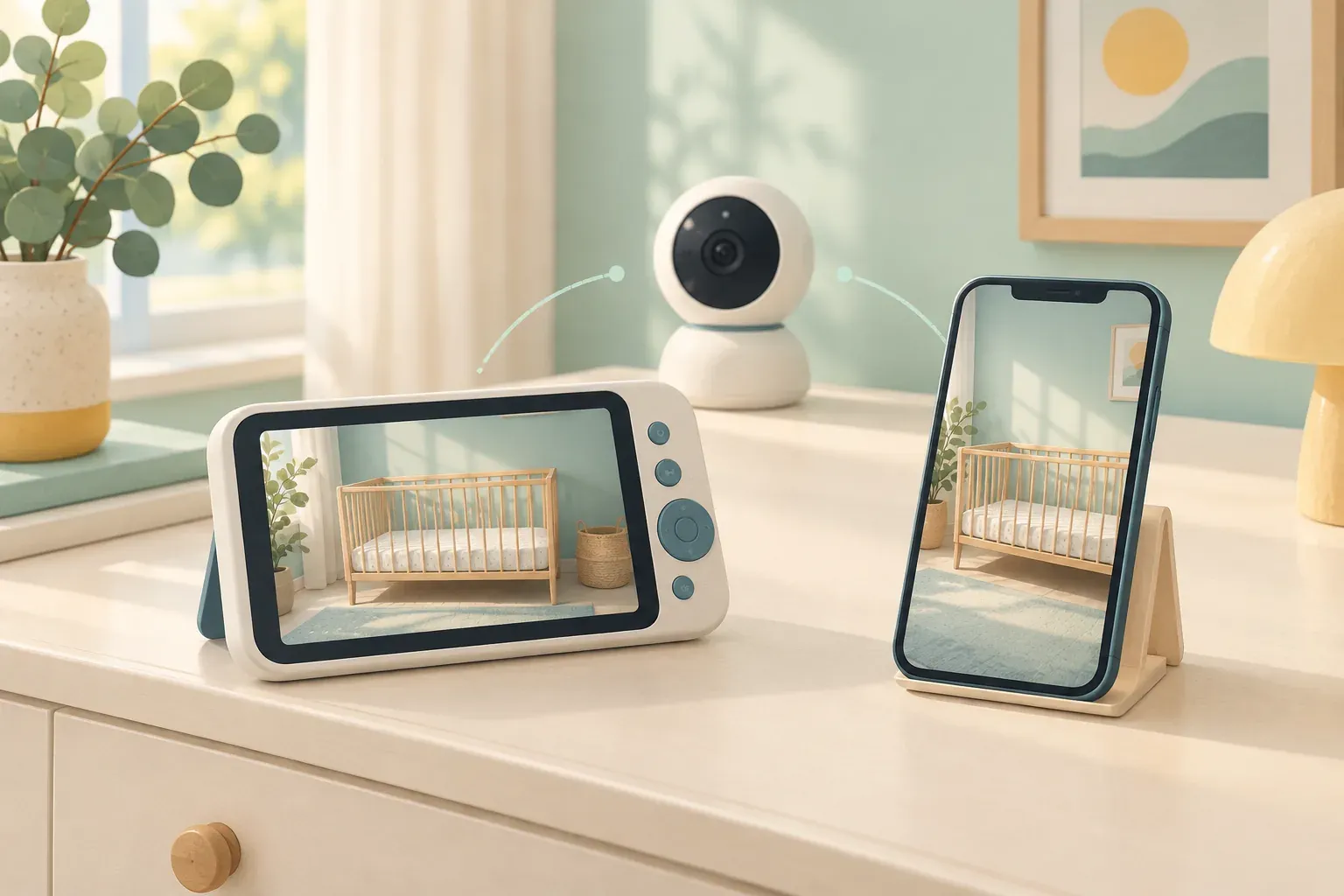
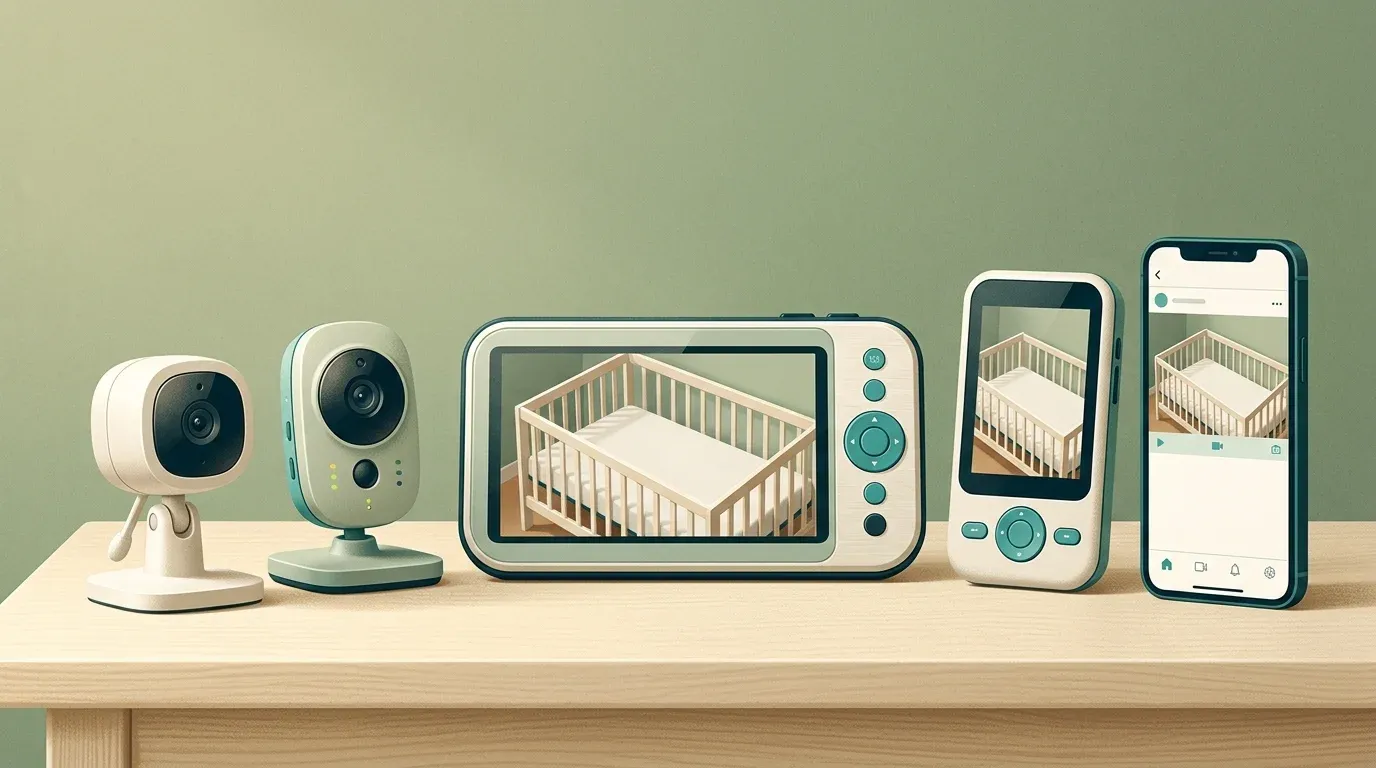
| No-Wi-Fi monitor | Wi-Fi monitor | |
|---|---|---|
| Where you can watch | At home, on the parent screen | Anywhere, on your phone |
| What can go wrong | Range and battery | Account security, app outages, subscriptions |
| Our picks | DXR-8 PRO, VM819 | Nanit Pro |
If you’ve decided against Wi-Fi, our guide to the best baby monitors without Wi-Fi goes deeper on range, battery and privacy.
The eufy E21 sits in between: a local screen by default, with the app as an option.
Set it up safely
- Keep the camera and every cord at least 3 feet from the crib, bassinet or play yard. Babies have strangled in monitor cords.
- Never mount a monitor on or inside the crib, even if the box includes a mount for it.
- Secure a Wi-Fi monitor like any camera: a unique password, two-step sign-in, and regular updates.
Frequently asked questions
Can a baby monitor prevent SIDS?
No. The AAP advises against relying on home cardiorespiratory monitors to reduce the risk of SIDS. A video monitor helps you see and hear your baby; it doesn’t replace safe sleep practices.
Is a no-Wi-Fi monitor more private?
Usually, yes. Video goes only to its own parent unit, so there’s no online account to protect. The trade-off is that you can’t watch from your phone when you’re away from home.
How do I secure a Wi-Fi baby monitor?
The FTC recommends changing default passwords, not reusing passwords, turning on two-step sign-in, keeping the app and firmware updated, and turning off features you don’t use. Secure your home router too.