Buying a monitor for grandparents starts with a conversation: will they use it while caring for the baby in the same home, or do they want to see the baby from their own house? The two dedicated-screen kits here address the first situation. Neither offers phone viewing from elsewhere.
For local care, we would start by considering the Infant Optics DXR-8 PRO if a larger screen matters. The VTech VM819 is a conditional alternative for someone comfortable with a compact display. Age alone does not determine which interface a person finds easiest. Let the intended caregiver make that judgment.
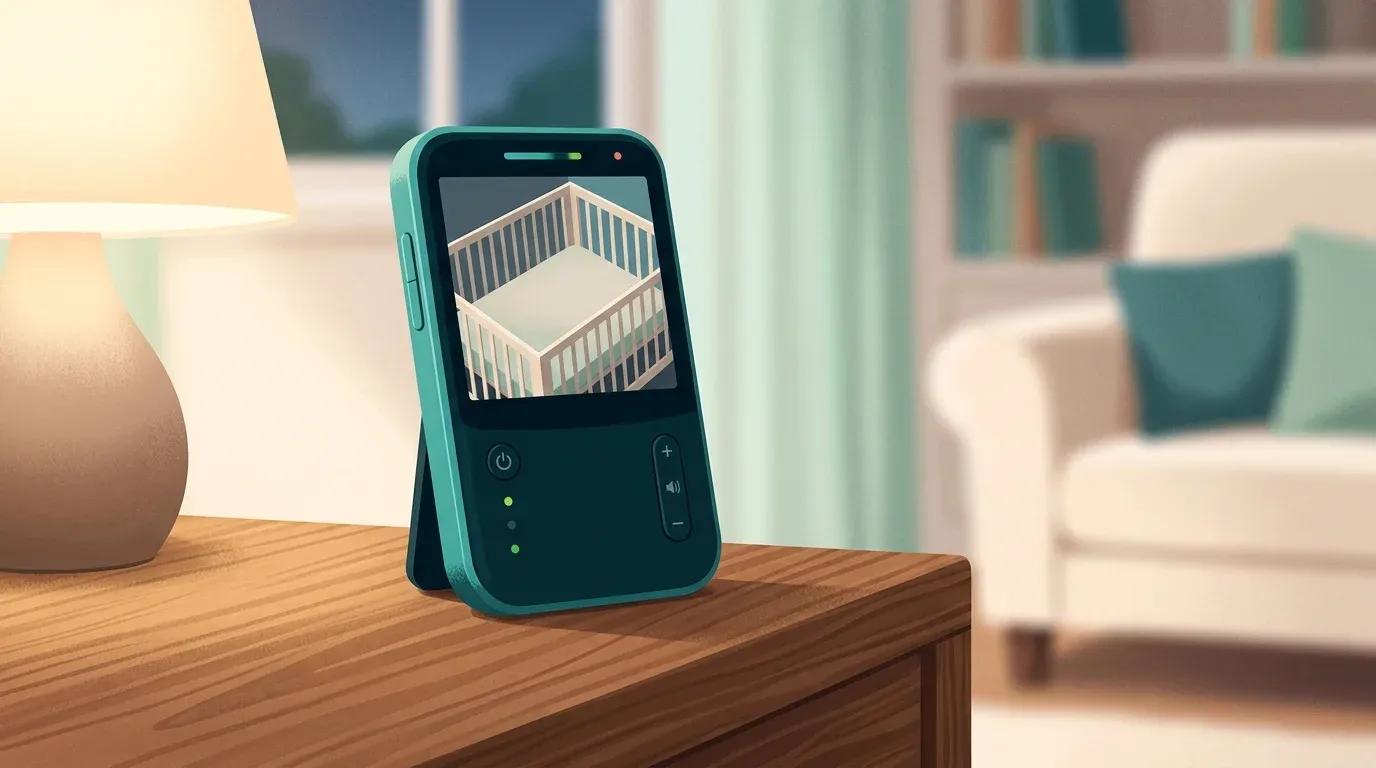
This is a research-based guide. We have not tested either monitor hands-on, conducted accessibility testing or tried them with grandparents. The cover is an editorial scene, not a photograph of either exact kit.
Decide where the monitor will live
If grandparents look after the baby at the parents’ home, first consider whether the existing monitor can stay set up. A second purchase may add little if everyone can confidently use the equipment already there.
If care happens at the grandparents’ house, decide whether to leave a complete kit there or transport both camera and handheld each time. Write a packing list that includes the supplied adapters. Check the instructions for the exact kit; do not assume a handheld from another household will connect to an unfamiliar camera.
If the goal is remote family viewing, use our guide to monitor connection types to reconsider the category before ordering either pick below. A local screen and an internet-connected phone feed solve different needs.
Choose the screen with its user
Ask the caregiver where they expect to keep the handheld: beside an armchair, on a kitchen counter or within reach while moving between rooms. Screen size on a specification sheet cannot establish whether the picture and labels will be comfortable for that person.
If possible, handle a demonstration unit. Otherwise, check the seller’s return terms before buying and make the first setup a shared practice session. Try ordinary viewing distance and the room’s usual lighting. Do not choose a smaller display solely to reduce the number of features.
Infant Optics DXR-8 PRO: the larger-screen shortlist
The maker specifies a 5-inch screen, a local connection without an app and remote pan and tilt. Those features make it the more relevant of these two when seeing the view and adjusting it from the handheld are priorities.
In Marc Saltzman’s January 9, 2024 hands-on review for Reviewed, he found the picture easy to see and described separate volume and brightness buttons. The screen is not touch-enabled: practice with the buttons rather than expecting taps to work.
There is a meaningful limit to that positive report. BabyGearLab’s October 11, 2022 test was less impressed by image quality and recorded about six hours with the screen on. These are observations from different test setups, not proof of what a particular caregiver will see. Plan a convenient charging location and assess the actual room before relying on the kit.
VTech VM819: consider the small screen carefully
VTech specifies a 2.8-inch display, a fixed-position camera and up to 19 hours of video per charge. The advertised duration is a maximum, not a promise for every setting or an aging battery.
BabyGearLab’s October 24, 2026 test found setup straightforward and measured over 19 hours, but criticised video and sound quality. That prevents us from treating simplicity as enough reason to recommend it broadly. Consider it only if the caregiver is comfortable with the smaller view and its performance after setup; look elsewhere if either is difficult to use.
The manufacturer’s quick-start guide explains a distinction worth rehearsing: a brief press of POWER/LCD OFF turns the screen off while audio continues, whereas holding POWER turns the parent unit off. Use the instructions supplied with your unit and demonstrate the difference together.
Rehearse the handover before the first visit
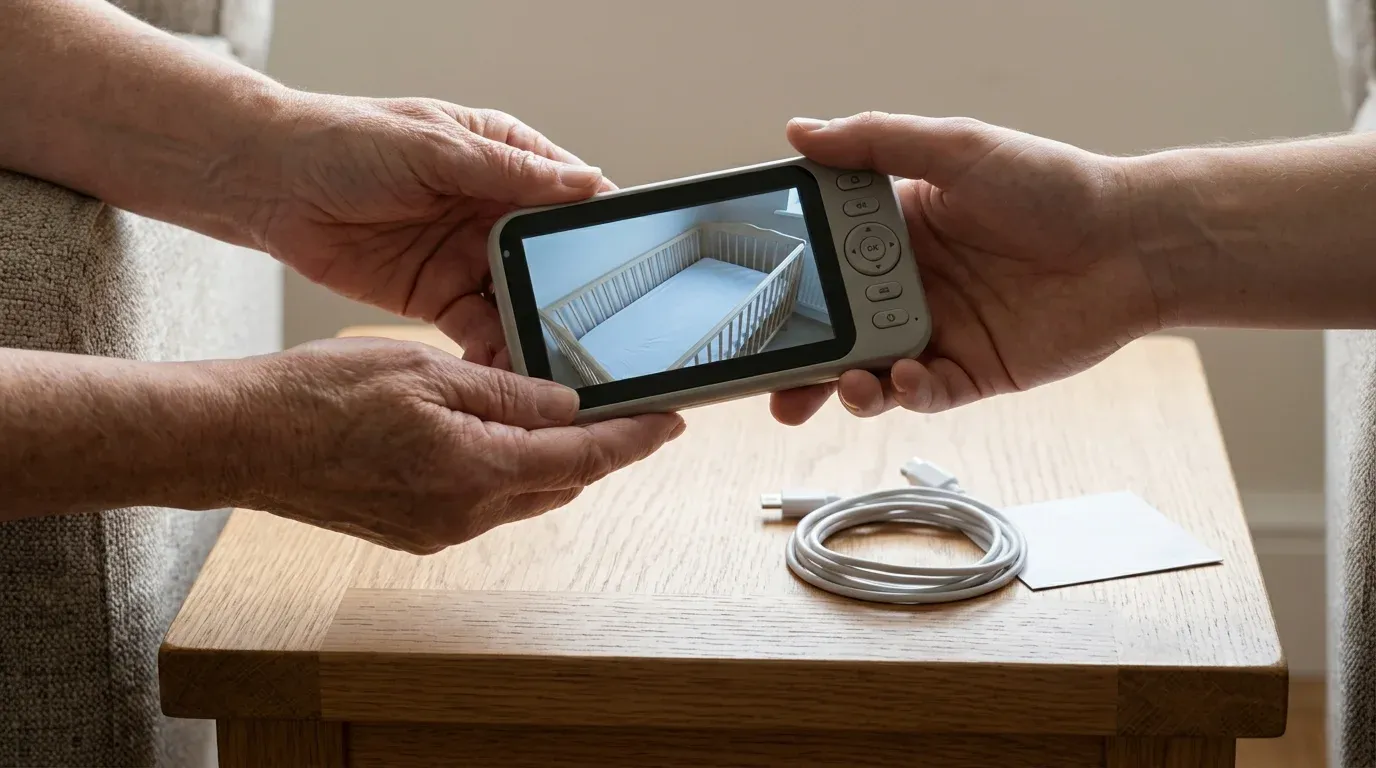
Leave a short instruction card beside the charging point. Keep it specific to the chosen model, and ask the caregiver to demonstrate each task back to you:
- Turn the handheld on and identify the correct camera view.
- Adjust the listening volume and restore the picture after the screen goes dark.
- Identify the signal and battery indicators using the manual.
- Connect the supplied charger and explain what to do if the connection is lost.
Check reception where the caregiver will actually sit or walk. Both makers advertise a range of up to 1,000 feet, but Infant Optics explicitly describes line-of-sight conditions. Walls and the layout matter; the number on the box is not a guarantee for this home. Rehearse the family’s response to a lost connection rather than leaving the caregiver to troubleshoot alone.
For placement, follow CPSC’s cord warning: keep the monitor and cords at least three feet from the sleep space, keep cords out of reach and never put the monitor inside or on the edge of a crib. A monitor assists care; it does not replace adult supervision.
Check the exact kit before ordering
Our November 21, 2026 US Amazon identity checks matched the VM819 single-camera kit, ASIN B08V8RWP3W, and the original DXR-8 PRO single-camera kit, ASIN B08FF4GV5C. The latter is not the separate PRO SS model. Match the model and kit contents on the destination page; we are not asserting stock, price or seller quality.
The same day’s official CPSC manufacturer and model searches found no recall matching these two monitors. That is a dated search result, not a safety guarantee. Check current recall records and the product label again before using a secondhand unit. Our monitor privacy handover checklist also covers passing equipment between households.
For a new local setup, shortlist the DXR-8 PRO around the larger view, then confirm it works for the person using it. Keep the VM819 as a conditional compact alternative. If neither passes the shared practice session, reconsider the purchase. Product photographs are absent beside these offers while authorised delivery remains unavailable.