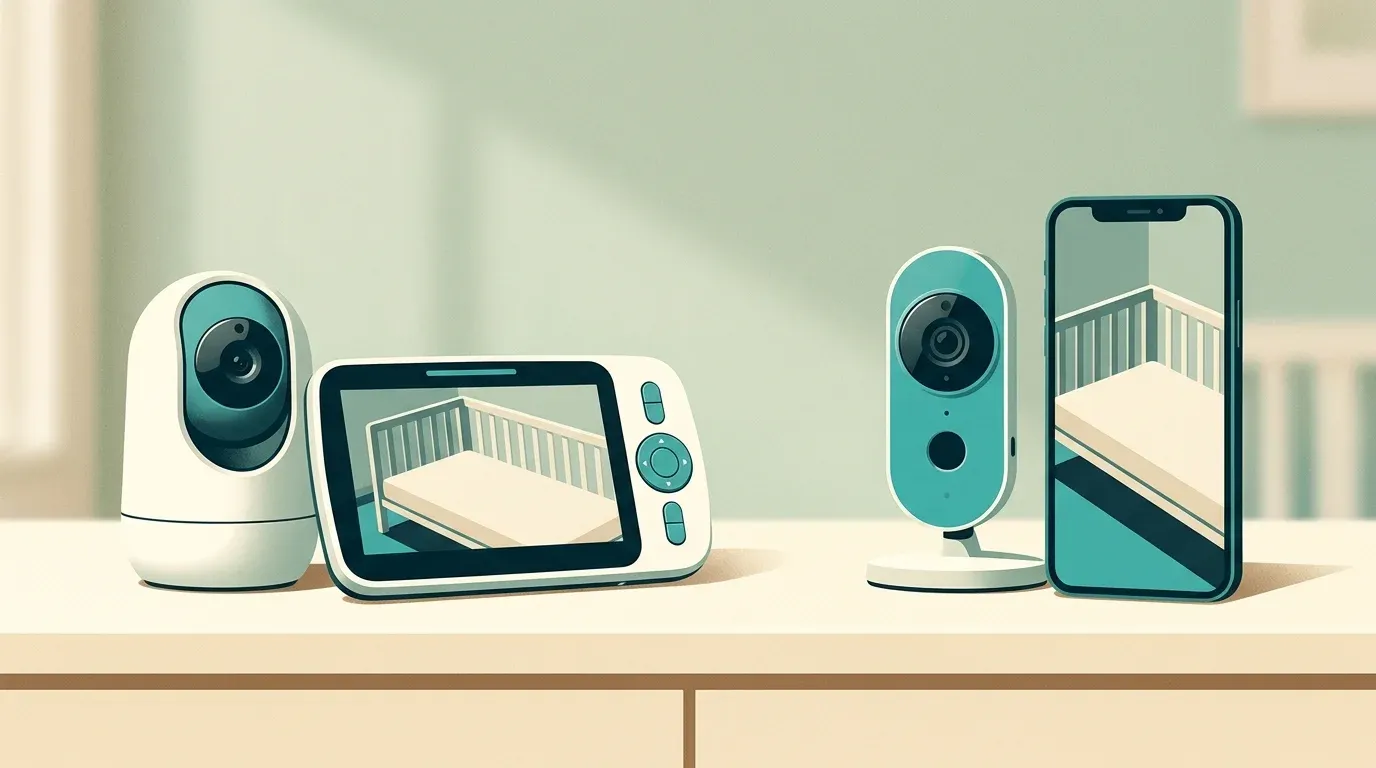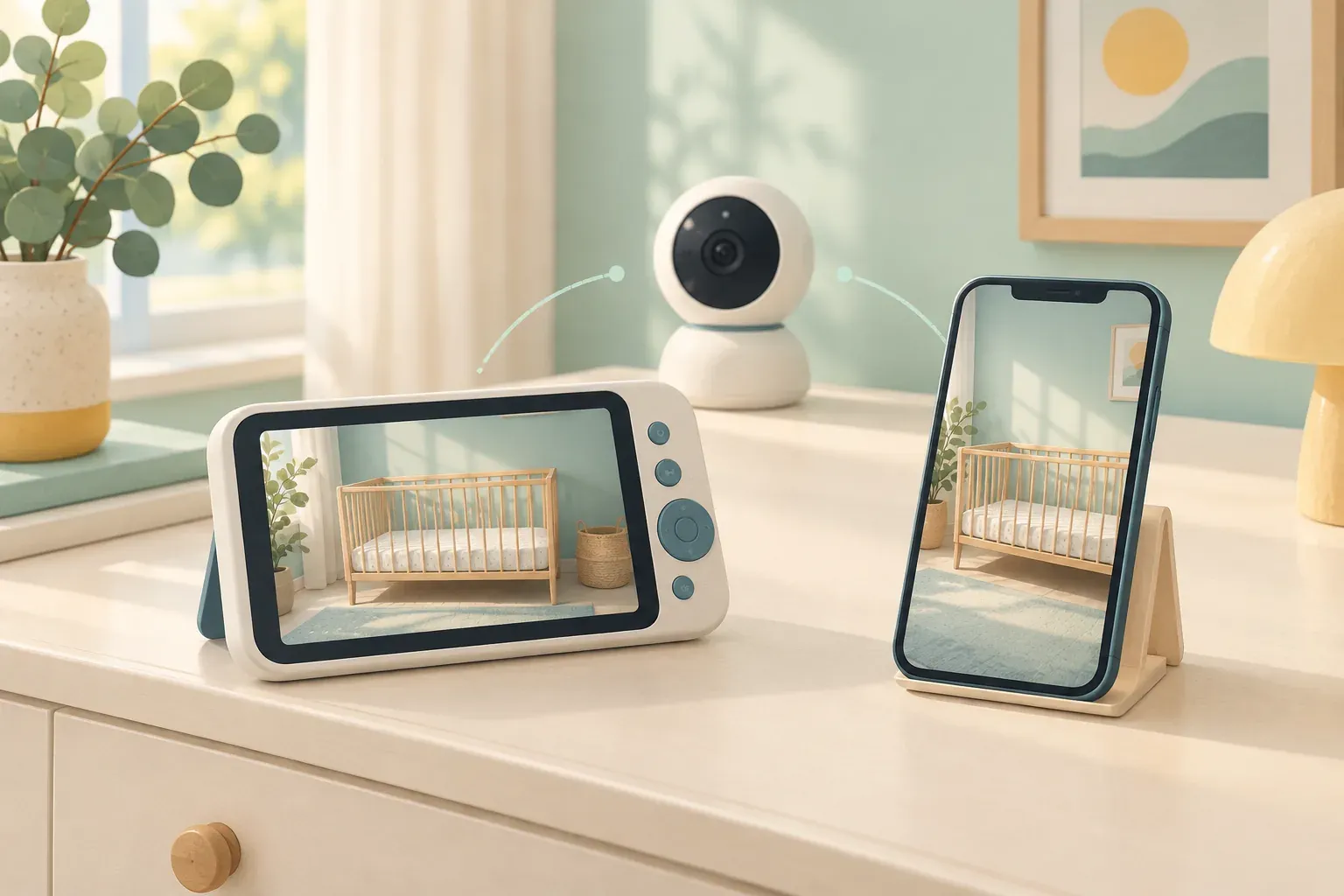
A useful starting question is where you want to see the video. If a screen carried around your home is enough, an app may add little to your routine. If you want occasional phone access while another caregiver is at home, that changes the shortlist.
The eufy E21 offers both approaches. The Infant Optics DXR-8 PRO centres on its dedicated parent screen. This comparison helps you decide which arrangement is worth investigating, rather than declaring one monitor the winner for every family.
Local screen or optional phone viewing?
eufy’s E21 documentation describes direct camera-to-monitor viewing without Wi-Fi, plus optional app access. Its physical camera switch disables Wi-Fi. That flexibility could suit a household that wants a parent screen most of the time and phone access occasionally.
Infant Optics specifies a direct FHSS connection, no app or Wi-Fi, a 5-inch HD display and remote pan, tilt and digital zoom for the DXR-8 PRO. If phone viewing is a firm requirement, it is the wrong fit for that requirement.
Make a short list of who needs access and when. Someone using only the parent screen has a different setup task from someone joining an app account. For other approaches, see our baby monitor guide and E21 versus Nanit Pro comparison.
| Your requirement | What it means for this comparison |
|---|---|
| A handheld screen around the home | Both belong on the shortlist; check the connection from the rooms where you will use it. |
| Optional viewing on a phone | The E21 provides the app route; the DXR-8 PRO does not. |
| No app setup to manage | The DXR-8 PRO fits that preference; E21 phone viewing adds account and network setup. |
The E21’s Wi-Fi option adds setup choices
The E21 manual distinguishes direct viewing from app viewing. It also describes Smart Connect: a configured monitor can use Wi-Fi when its direct signal is poor. Do not assume that using the handheld screen always means the connection is staying off your router.
eufy’s app setup instructions require an account and a 2.4GHz Wi-Fi network. Before buying for remote viewing, check your network, the current app’s requirements and how you would manage shared access. If those are chores you want to avoid entirely, keep that preference central to the decision.
A local connection or a Wi-Fi switch does not establish that a product is immune to security problems. We have not audited either system’s security.
Camera features and what independent testing adds
eufy lists a 4K camera, remote pan and tilt, 8x zoom and a built-in camera battery. Treat those as manufacturer specifications, rather than proof of superior performance in your room. Camera resolution alone does not tell you how useful your chosen viewing screen will be.
In Good Housekeeping’s November 21, 2025 review, Olivia Lipski described using the E21 at home and during travel. She valued its optional Wi-Fi and clear imagery. That is useful hands-on evidence from her circumstances, not a controlled comparison with the DXR-8 PRO.
The DXR-8 PRO’s manufacturer lists interchangeable lenses, a replaceable monitor battery and active noise reduction. Those features may matter if camera framing or maintaining the parent unit is a priority. Check the kit and compatible accessories before ordering; this article covers the PRO, not the original DXR-8 or the separate PRO SS.
BabyGearLab’s review dated October 11, 2022 found the DXR-8 PRO straightforward to operate and measured six hours with its screen on. It also criticised video performance and battery endurance. That older test is a reason to investigate charging and sample footage carefully, not a prediction for a newly purchased unit.
These reviews used different products, dates and methods. Their results cannot establish a head-to-head image-quality or battery winner. We have not confirmed present stock, retailer pricing or whether current hardware matches those test units.
Plan the charging routine
The E21’s camera battery and parent-screen battery are separate. Its manual describes charging the camera and charging the monitor through USB-C or its stand. Having a battery in the camera does not tell you how long the entire viewing setup will remain usable. Consider both devices when planning where to charge them.
For the DXR-8 PRO, the six-hour historical result above concerns the parent unit with the screen on. It is not a camera-battery measurement. Avoid comparing that number with an E21 camera-runtime claim: those are different components and conditions.
Before choosing, picture where you would leave the handheld screen between uses and whether a charger can stay there. If you need long stretches away from a socket, seek a current independent test that names the device, screen setting and test conditions. We do not have a matched battery test for these two kits.
Check placement and recalls before choosing
The CPSC’s monitor-cord guidance says to keep cords at least three feet from any part of the crib or other sleep space, out of reach, and never put a monitor inside or on the edge of a crib. Plan a suitable location before selecting either model.
The E21 manual also describes crib-mounted accessories. That differs from the CPSC direction above, and we have not reconciled those instructions. We do not recommend those mounting options. Keep that question separate from the monitor’s connection features; included mounting hardware does not settle whether a proposed position is appropriate.
On October 14, 2026, our CPSC API searches by eufy, Anker, Infant Optics, E21 and DXR-8 returned no notice matching these two monitors. The Anker query returned unrelated power-bank and cooler recalls. This is a dated, limited database check, not a safety guarantee. Recheck the exact label and look for recalls before use.
Which arrangement fits your routine?
- Investigate the E21 if you would use both a dedicated screen and optional phone viewing. Make sure the additional network and account setup serves a real need.
- Investigate the DXR-8 PRO if a dedicated screen meets your needs and you want to avoid an app. Give charging arrangements and the dated performance concerns proper weight.
- Keep looking if neither approach fits your viewing needs, or you cannot confirm a suitable placement and acceptable performance for your room.
Compare current kit contents and return terms before ordering. A feature-rich specification sheet cannot answer every practical question about your home.
A practical checklist before committing
- Choose the viewing device. Decide whether you want a handheld screen, phone access, or both. Avoid paying attention to app features you would never use.
- Choose an off-crib camera position first. Check that your proposed position follows the cord guidance above and the applicable installation instructions. Do not assume an included mount resolves the placement question.
- Check the return terms. Where a return period permits it, evaluate the actual kit’s connection, screen readability and audio controls in your intended rooms. Our source research cannot predict performance through your walls.
- Allow time for setup. Check the current manual, compatible accessories and any app or firmware requirements before relying on the kit for your routine.
How we researched this comparison
This is a research-based comparison by the Fresh Baby Gear Team. We have not tested either monitor. We reviewed exact-model manufacturer documentation, the original independent reviews linked above and official recall records on October 14, 2026. Our fit recommendations are interpretations of that evidence. The cover shows generic equipment, rather than photographs of either product.