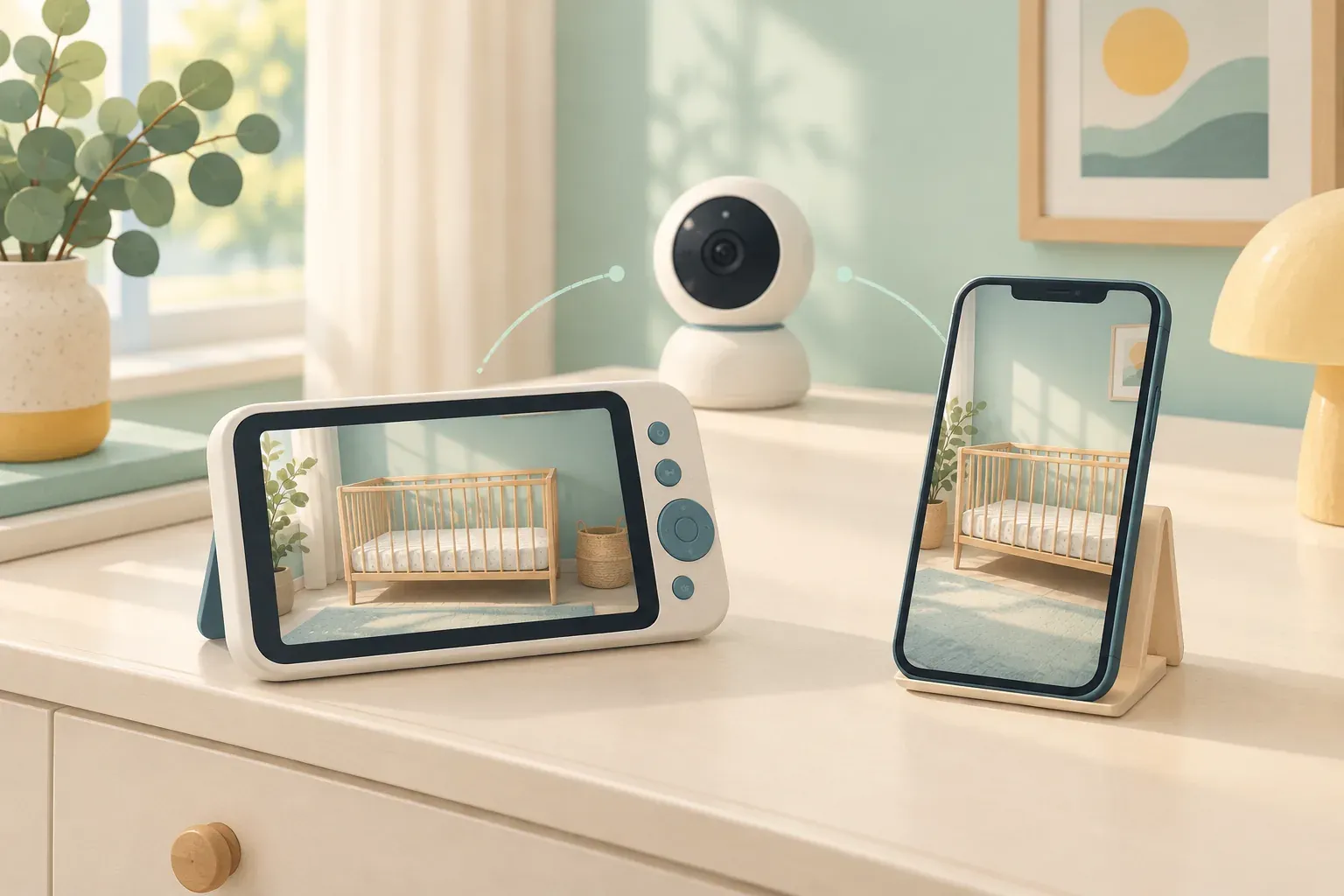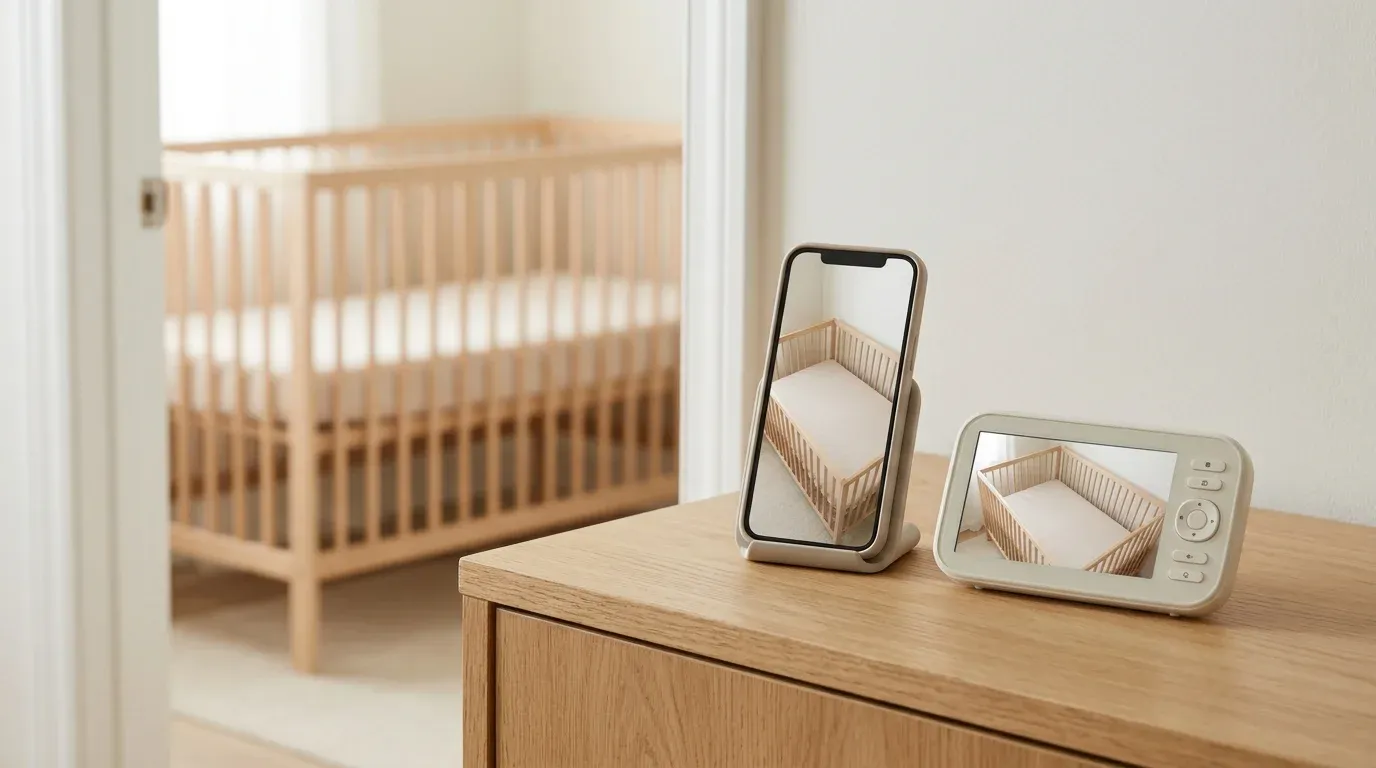
The Nanit Pro with Floor Stand makes sense if someone needs to check the feed away from home, or if you want sleep tracking from an overhead camera. The Infant Optics DXR-8 PRO makes sense if you mainly hand the monitor to whoever is home. Its camera pairs with a dedicated screen, so the next caregiver can pick it up without setting up an account.
Start with the camera position
The Nanit bundle linked here includes the Pro camera and the Floor Stand. It gives you a fixed view from above. Check where the base can sit and how the power cable will run before you choose it. Nanit says its sleep tracking requires an overhead Floor Stand or Wall Mount. The smaller Anywhere Stand, formerly called Flex Stand, gives a wider room view but does not support that tracking.
The Infant Optics kit includes a camera, a 5-inch screen and an optical zoom lens. Its camera pans and tilts from the handheld screen. That makes it easier to adjust the view after placement, but the handheld has to stay within range. Check the route between the nursery and the place where you’ll actually use it, especially if that means another floor or several closed doors.
With either setup, follow the mounting instructions and check the cord path. The US Consumer Product Safety Commission advises keeping monitor cords out of children’s reach and at least three feet from every part of the crib, bassinet or play yard. Choose a different position if you cannot route the cord with that clearance.
Decide who needs the feed
The Nanit app can share access with another caregiver. Nanit documents a local Wi-Fi-only permission for a viewer who needs the feed at home. Use remote access only for people who need it. If you want a separate screen as well as the app, Nanit sells an optional 8-inch Home Display. It isn’t part of the linked camera-and-stand offer.
The DXR-8 PRO works without Wi-Fi or an app. That makes an evening handoff as simple as passing over the screen and showing the other person the volume and camera controls. It also means you can’t use that kit to check the feed on your phone away from home.
Work out what you would pay extra for
Nanit includes live video and sound and motion alerts without a paid Insights plan. For sleep tracking or video history, check Nanit’s current membership options before you buy. The stand determines which sleep features the camera can support, and the plan determines which features you can access. If all you want is live video in the next room, the DXR-8 PRO gives you a screen in the box without a subscription.
What independent reviewers found
In its August 2021 Nanit Pro test, BabyGearLab found the app straightforward to navigate once the camera was paired, but was less impressed by the sound. That review covers an earlier version of the app, so we used Nanit’s current documentation for access and plan details.
In its October 2022 DXR-8 PRO test, the same publication found that noise reduction softened the sound of its white-noise machine. The handheld ran for about six hours with the screen on in that test, and indoor range fell as walls got in the way. Use those observations to decide what to try in your own home.
For this research-based comparison, we reviewed the US offers, manufacturer documentation, independent tests and official recall records. We have not tested either product hands-on. Our US CPSC search found no matching recall on November 9, 2026.
If you’re lending a Wi-Fi monitor or passing one along, see our monitor privacy handover checklist. For more dedicated-screen options, see our guide to baby monitors without Wi-Fi.